
Creating your first note
You are in a note taking app, the first thing you'd want to do is create a note.
- Click the
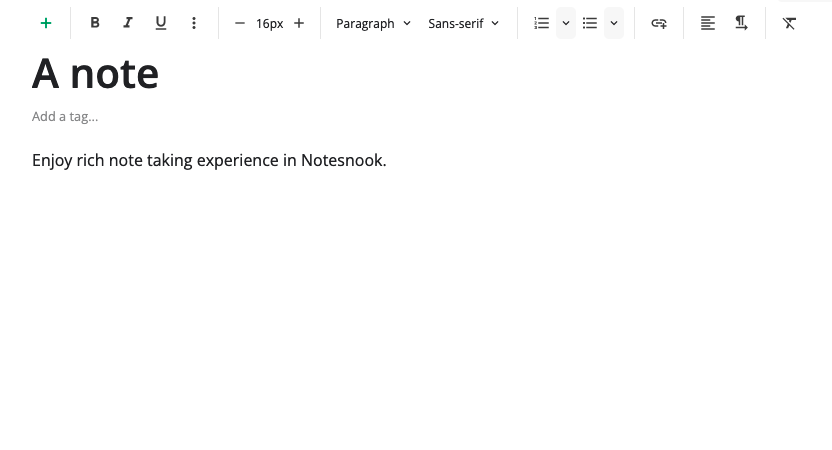
+button on top right corner or click anywhere inside the editor to focus it. - Start typing in the editor and a new note will be automatically created.
- As you type, your note is saved automatically whenever you stop for a few seconds.
INFO
The bottom right corner of the app will show the number of words of current note & the last saved time.

And that is how you create your first private note in Notesnook!
Related pages
- Notebooks — nested notebooks for structure
- Editor toolbar — every formatting tool
- Search & navigation — finding anything, fast
- How sync works — when and how your notes travel
- Plans & limits — what each plan unlocks and the exact limits