
Quick notes from notifications Pro · Android only
Taking a note from the notification drawer requires a Pro plan and is available on Android only — see Plans & limits.
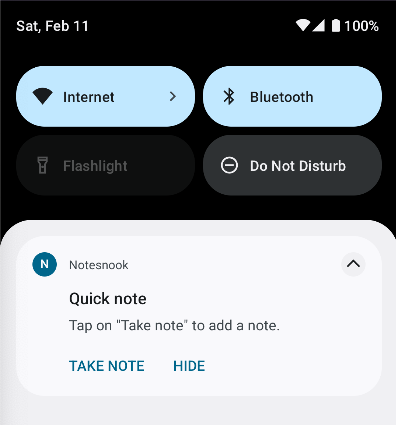
A simple, quick and convenient way to take notes on your phone from notifications. This works the same way as a messaging/chat app allows you to reply to messages from notifications.
- Go to Settings from Side Menu
- Open
Productivity - Enable
Quick note notification - Open notifications drawer, you should see a notification with button
Take note.
Related pages
- Pin to notifications — a note that lives in your shade
- Android quick actions — tiles, shortcuts and the share sheet
- Plans & limits — what each plan unlocks and the exact limits