
Pin to notifications Pro · Android only
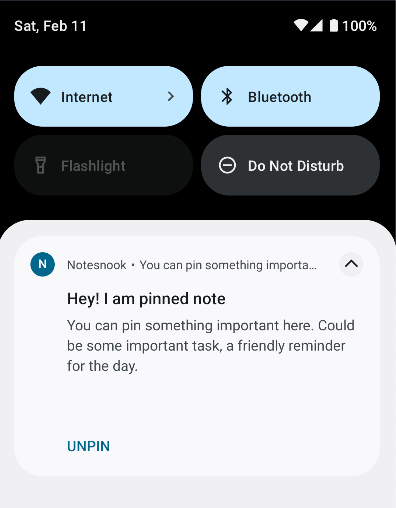
Android lets apps keep an ongoing notification in the shade. Notesnook uses that to keep a note one swipe away — useful for a shopping list, a door code, or anything you keep reaching for during the day.
Pinning a note to your notifications needs a Pro plan and is Android only — see Plans & limits.
- Tap the
 on a note
 - Select
Pin notification - The pinned note will appear in notifications permanently until you select
Unpin notificationon it.
Related pages
- Quick notes — writing without opening the app
- Home screen widgets — notes and reminders on your home screen
- Plans & limits — what each plan unlocks and the exact limits