
Install a theme directly from theme.json file
In both mobile and desktop/web apps, you can install themes directly from a JSON theme file.
You cannot currently import CSS for a code block.
Themes must be published in order for you to use custom CSS for code blocks.
- Open the Notesnook app
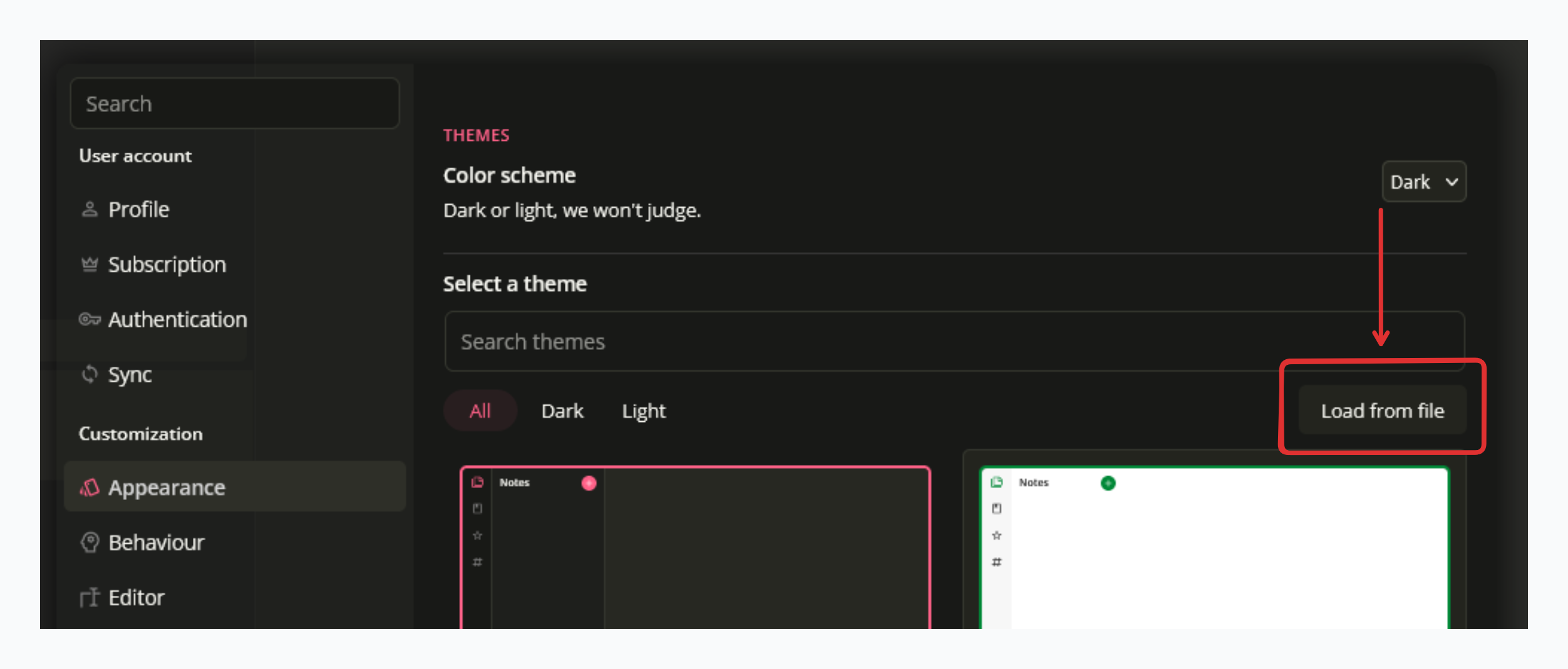
- Go to Settings > Appearance > Themes
- Click "Load from file" button
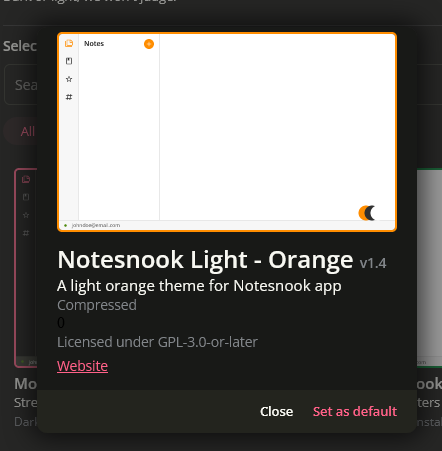
- Select the JSON file to load the theme from.
- Click "Set as default"
Related pages
- Using themes — light, dark and the theme store
- Theme Builder — building a theme visually
- How themes work — scopes, variants and colors