
How do I import notes from Markdown files?
- Open the Notesnook app (web or desktop)
- Go to
Settings > Import & export > Notesnook Importerand select "Markdown".
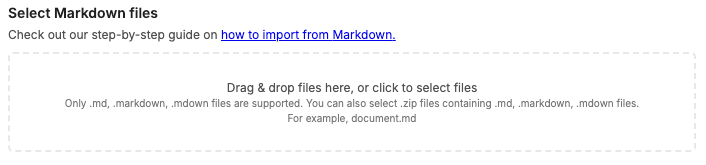
- Drop your .md files, or click anywhere inside the box to browse and select your .md files. You can also provide a .zip file containing all your .md files. Then click "Start importing".
- Once the importing completes you should see all your notes in Notesnook. If you face any issues during importing, feel free to report them on GitHub.
Supported formats
- Subscript and superscript (
H~2~Oand19^th^ - Highlights (
==highlighted==
Note: For best results, it is recommended to ZIP all your .md files and their attachments so they can be found by the importer.
Related pages
- Importing notes — every app and file format Notesnook can import
- Import from Evernote — moving notes out of Evernote
- Import from Google Keep — moving notes out of Google Keep
- Import from Joplin — moving notes out of Joplin
- Backup and restore — protecting your notes once they're in
- How is my data encrypted? — what happens to your notes after the import